
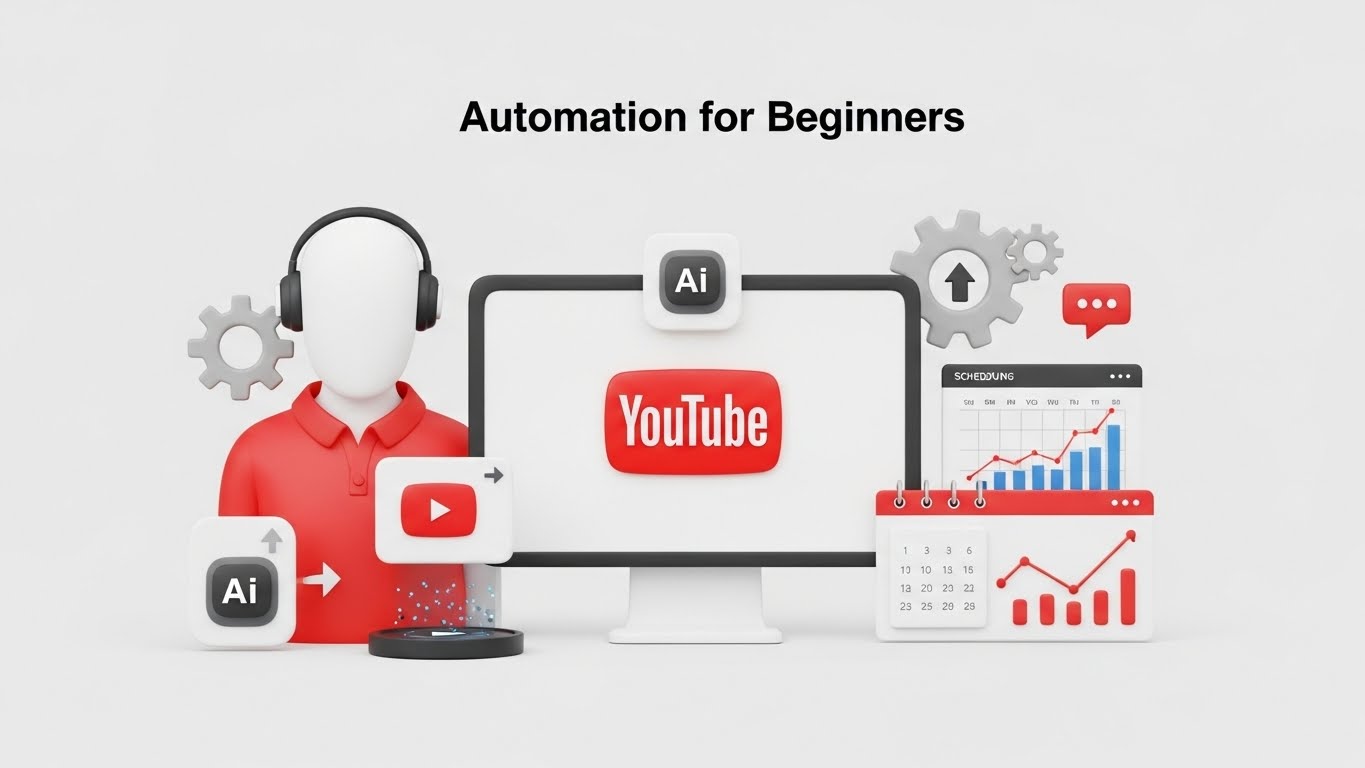
If you’re new to online income or content creation, you’ve probably heard the term YouTube automation — but what does it actually mean?
In this beginner-friendly guide, you’ll learn what YouTube automation is, how it works, whether it’s legit, and how beginners are using it to build faceless YouTube channels without recording videos themselves.
What Is YouTube Automation?
YouTube automation is the process of creating and managing YouTube channels by outsourcing or automating most (or all) of the work involved.
Instead of filming videos yourself, YouTube automation uses:
- AI tools
- Automation software
- Freelancers or templates
to handle tasks like:
- Video scripting
- Voiceovers
- Editing
- Thumbnails
- Descriptions
- Uploading and scheduling
The goal of YouTube automation is to scale content production while minimizing time, effort, and manual work.
Many creators use YouTube automation to build faceless YouTube channels, meaning no camera, no microphone, and no personal branding required.
Is YouTube Automation Legit?
Yes — YouTube automation is 100% legitimate when done correctly.
Major brands, media companies, and viral faceless channels use automated workflows every day. The key is to follow YouTube’s content policies and avoid low-quality or spammy practices.
Legitimate YouTube automation focuses on:
- Original content
- Value-driven videos
- Ethical AI usage
- Consistent publishing
Automation itself is not against YouTube rules — low-quality or misleading content is.
How YouTube Automation Works (Step-by-Step)
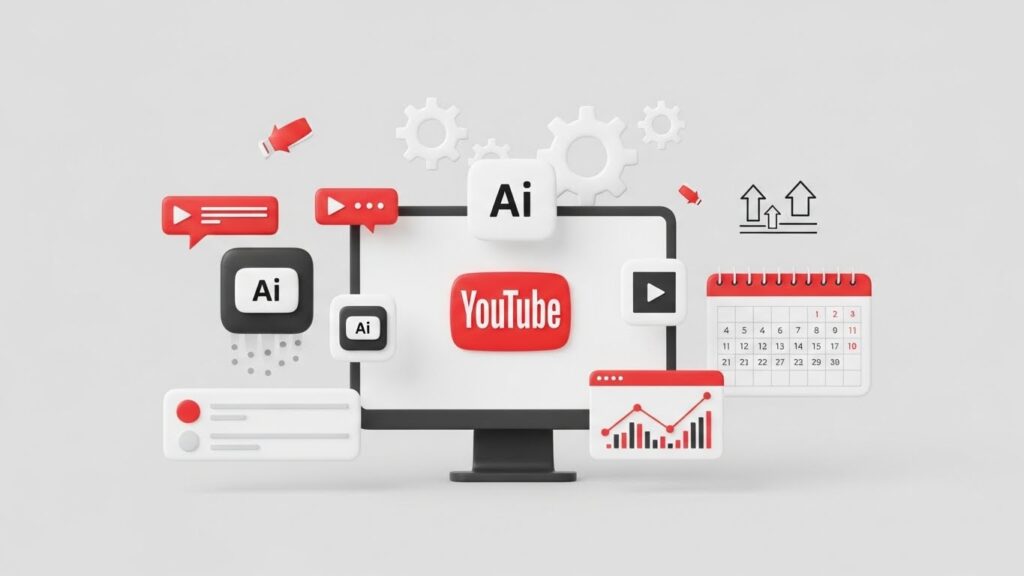
Here’s a simple breakdown of how YouTube automation typically works:
Step 1: Choose a Niche
Popular YouTube automation niches include:
- Motivation
- Luxury
- Facts & documentaries
- AI & tech
- Finance
- Health
- Quotes
- Gaming highlights
Step 2: Content Creation
This can be done through:
- AI script writers
- AI video generators
- Stock footage
- Automated video builders
Step 3: Thumbnails & Descriptions
Automation tools or templates are used to generate:
- Clickable thumbnails
- SEO-optimized descriptions
Step 4: Uploading & Scheduling
Videos are uploaded and scheduled automatically, often posting daily or multiple times per day.
Modern tools now automate every step in this process.
Traditional YouTube Automation vs AI Automation
| Traditional Automation | AI Automation |
|---|---|
| Outsourcing freelancers | Fully automated software |
| High monthly costs | Low-cost tools |
| Manual coordination | Set-and-forget systems |
| Slower scaling | Rapid scaling |
| Human-dependent | AI-powered |
AI-based systems remove the need to hire editors or voiceover artists, making YouTube automation accessible to beginners.
One example of a full AI-based approach is explained in this detailed Traffic Supernova review, which shows how YouTube automation can be handled end-to-end using software instead of people.
Can You Make Money with YouTube Automation?
Yes. YouTube automation channels can be monetized in several ways:
- YouTube AdSense
- Affiliate marketing
- Sponsorships
- Selling digital products
- Channel flipping
Many faceless channels generate income by publishing content consistently over time and scaling across multiple niches.
Automation allows creators to focus on strategy and monetization, not editing and uploads.
Best Niches for YouTube Automation
Some niches work better than others for automation:
- Motivation & quotes
- Luxury lifestyle
- AI & technology
- Educational facts
- Finance explainers
- Health tips
- History documentaries
High-CPM niches generally earn more once monetized.
Is YouTube Automation Good for Beginners?
Absolutely.
YouTube automation is ideal for beginners because:
- No camera or microphone required
- No editing skills needed
- No personal branding pressure
- Scalable with minimal effort
- Works worldwide
Beginners can start with AI automation tools and grow as they learn.
Common Mistakes to Avoid
Avoid these mistakes when starting with YouTube automation:
❌ Reposting copyrighted videos
❌ Using low-quality AI content
❌ Ignoring SEO
❌ Posting inconsistently
❌ Expecting instant results
Automation works best when combined with patience and quality control.
Tools That Help with YouTube Automation
Modern YouTube automation tools can:
- Generate scripts
- Create videos
- Build thumbnails
- Write descriptions
- Auto-post content
Some tools automate specific parts of the workflow, while others automate the entire process. For a full breakdown of an all-in-one system, this Traffic Supernova review explains how complete YouTube automation works in practice:
Final Thoughts: Is YouTube Automation Worth It?
If you want to build YouTube channels without showing your face or editing videos, YouTube automation is one of the most beginner-friendly online opportunities available today.
With AI-powered tools and proper strategy, it’s now possible to:
- Launch channels faster
- Publish consistently
- Scale across niches
- Build long-term digital assets
The key is using the right tools and following proven workflows.
Frequently Asked Questions
What is YouTube automation in simple terms?
YouTube automation refers to the use of tools or systems to automate the creation and management of YouTube videos, eliminating the need for manual labor.
Is YouTube automation allowed by YouTube?
Yes, as long as the content is original and follows YouTube’s policies.
Do I need money to start YouTube automation?
You can start with minimal investment using AI tools instead of freelancers.
How long does YouTube automation take to work?
Most channels take weeks or months to gain traction, depending on niche and consistency.




0 Comments