🚨 WAIT! Your Order Is NOT Complete Yet...
Unlock PRO-Level Editing Skills With CapCut for PC 🔥
You already grabbed the Gaming Editing Pack… But if you really want to create professional gaming videos, viral reels, and cinematic edits faster, this is the perfect upgrade for you.
Introducing: CapCut for PC Video Editing Mastercourse (Beginner to Advanced)
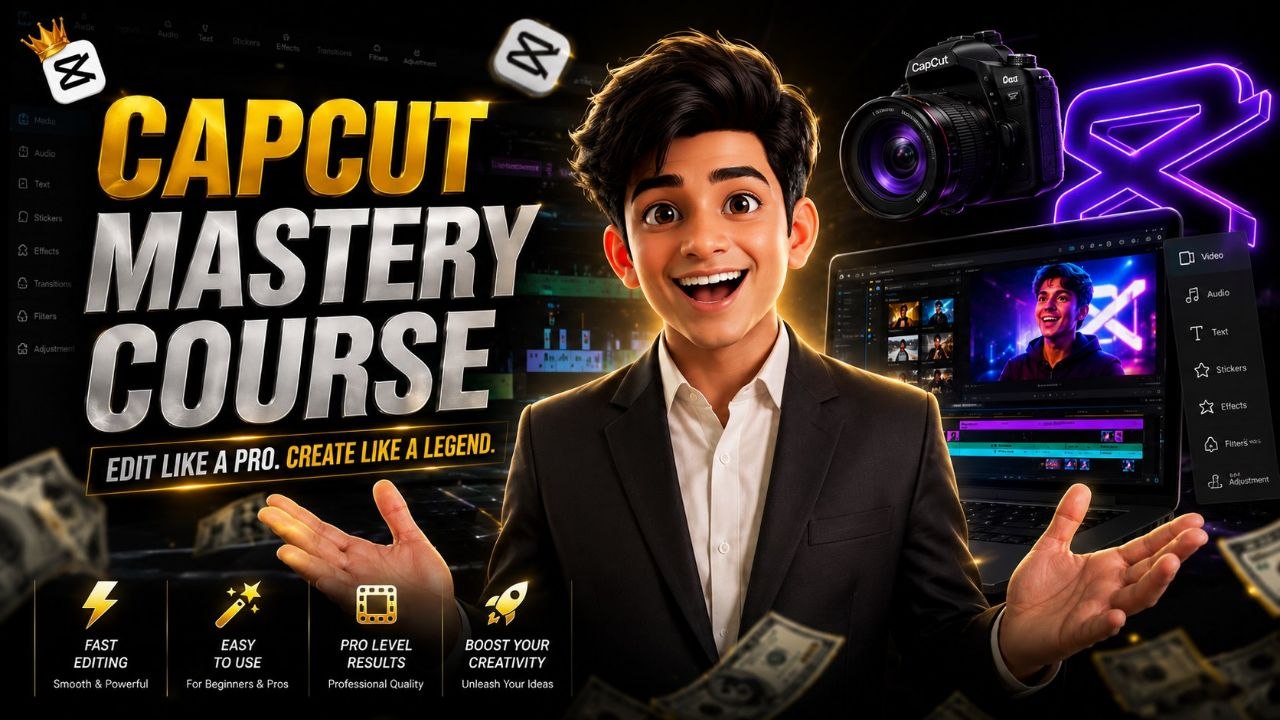
I have prepared a complete step-by-step CapCut PC training designed for creators who want to edit like professionals without confusion or wasting hours learning random tutorials online.
Inside this powerful mastercourse, you’ll learn exactly how to create smooth, high-quality edits for YouTube, Instagram Reels, Shorts, gaming montages, and more using CapCut for PC.
No complicated software. No advanced experience needed.
Whether you’re a beginner or already editing videos, this course will help you level up your editing quality, workflow, and speed dramatically.
Here's what's inside this Package:
Complete CapCut for PC training from beginner to advanced level.
Learn cinematic transitions, smooth effects, beat sync editing, motion graphics, text animations, and professional editing workflows.
Step-by-step tutorials designed for gaming creators, reels creators, YouTubers, and content creators.
Learn how to create viral-style edits for YouTube Shorts, Instagram Reels, TikTok, and gaming videos.
Export settings, editing shortcuts, workflow optimization, and advanced editing techniques included.
Bonus editing tips and creator strategies to improve video quality and engagement faster.
Timely support for all customers via support email.
Simply click on the button above and you will be redirected to the checkout page. After you insert your data, you’ll get instant access to the mastercourse!
Thanks for your attention. I hope you find this training useful!
I wish you all the possible success,

Vaibhav Patel
Copyright © 2026 | Digitalvaibhavreview.com | All Rights Reserved